JavaScript可以对页面内容(文本)进行复制、剪切、粘贴等编辑操作,可以通过JavaScript的相关操作事件完成此类操作。
JavaScript对文本的复制、剪切和粘贴操作提供了相应的绑定事件,具体事件如表8-9所示。
<!DOCTYPE html>
<html lang="en">
<head>
    <meta charset="UTF-8">
    <meta name="viewport" content="width=device-width, initial-scale=1.0">
    <title>Document</title>
</head>
<body>
    <form action="" name="form1" >
        用户名:<input type="text" name="username" id="" size="20" value="请输入用户名"><br>
        密码:<input type="password" name="password" id="" size="20"><br>
        <input type="submit" value="提交">
    </form>
    <script>
        form1.username.oncopy = function(){
            alert("禁止复制!");
            return false;
        }
        form1.password.onpaste = function(){
            alert("禁止粘贴!");
            return false;
        }
    </script>
</body>
</html>
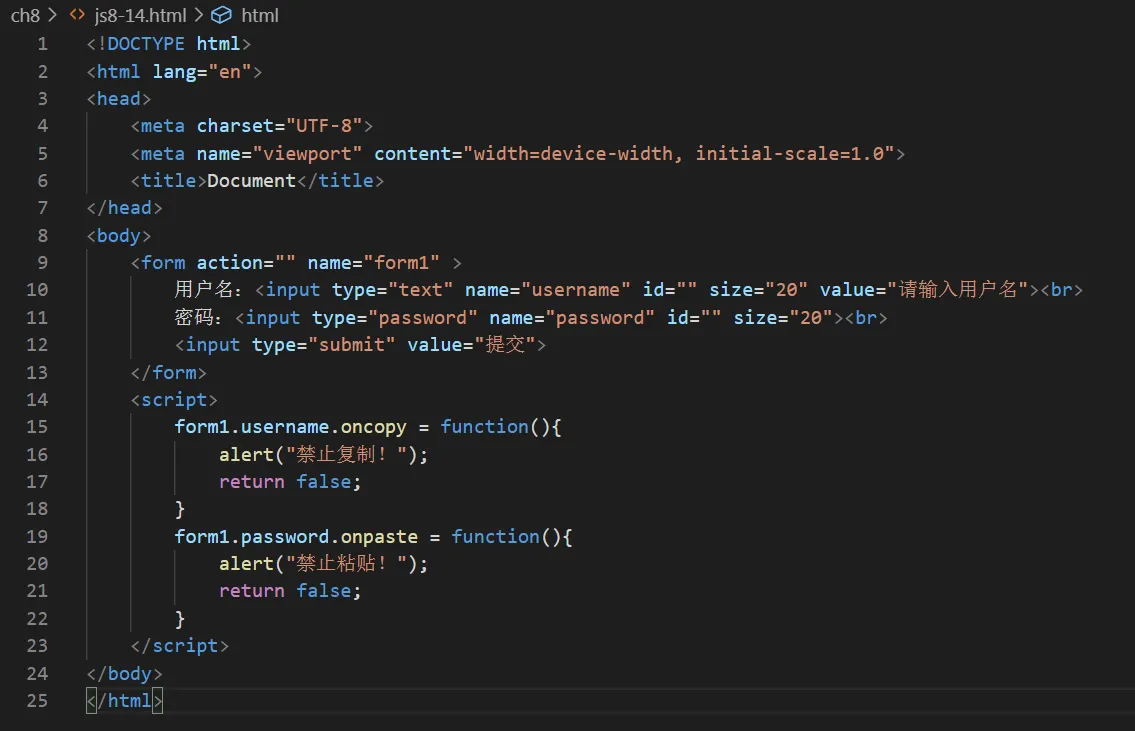
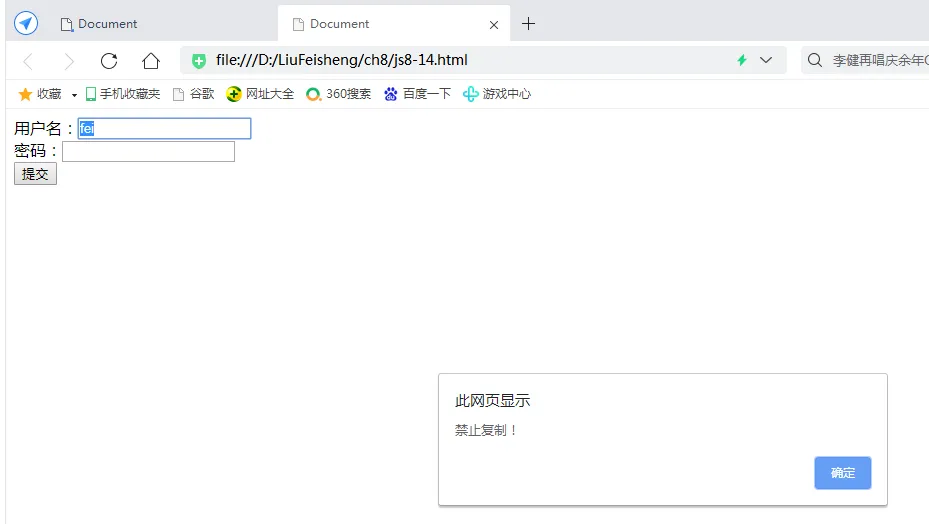
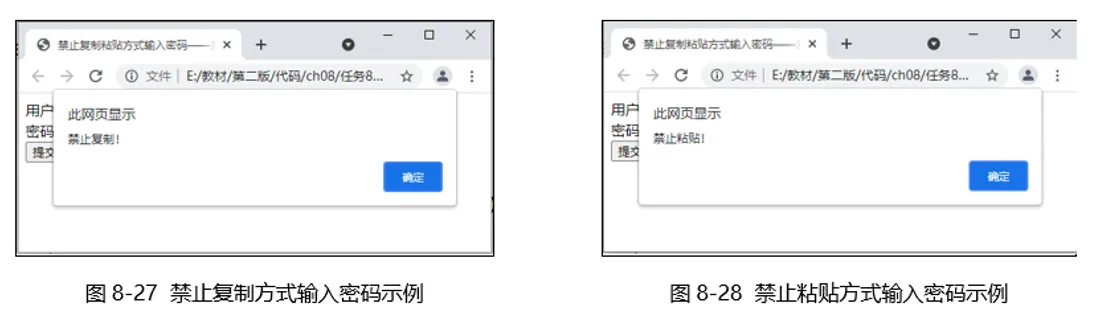
在上述代码中,用户名文本框绑定了oncopy事件驱动程序,密码文本框绑定了onpaste事件驱动程序,实现效果如图8-27和图8-28所示。
本文作者:liufeisheng
本文链接:
版权声明:本博客所有文章除特别声明外,均采用 BY-NC-SA 许可协议。转载请注明出处!