- 鼠标点击事件
包括onclick(单击)、ondblclick(双击)、onmousedown(鼠标按下)和onmouseup(鼠标弹起)事件。
鼠标点击事件有触发事件顺序,例如在单击对象时,会触发onclick事件。在onclick事件触发前,会先发生onmousedown事件,然后发生onmouseup事件。与此类似,在ondblclick事件触发前,会依次触发onmousedown、onmouseup、onclick、onmouseup事件。
- 鼠标移动事件
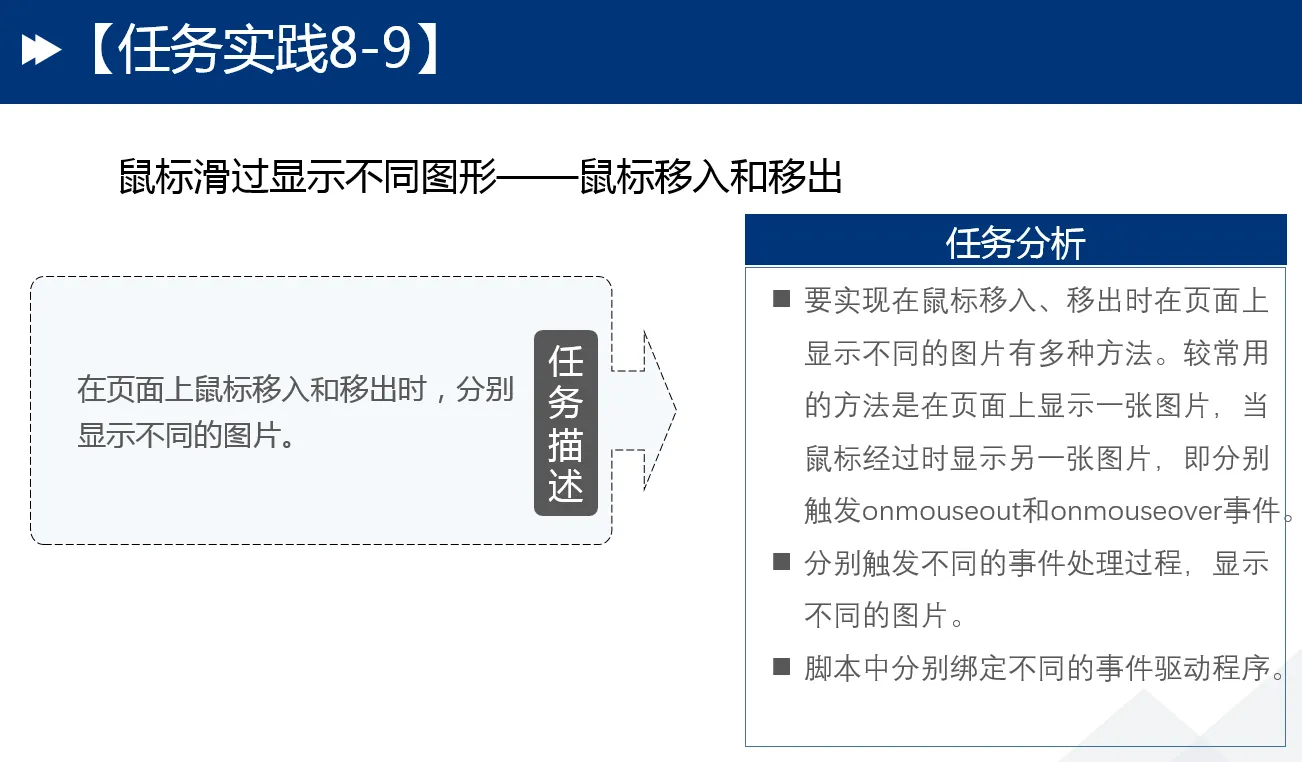
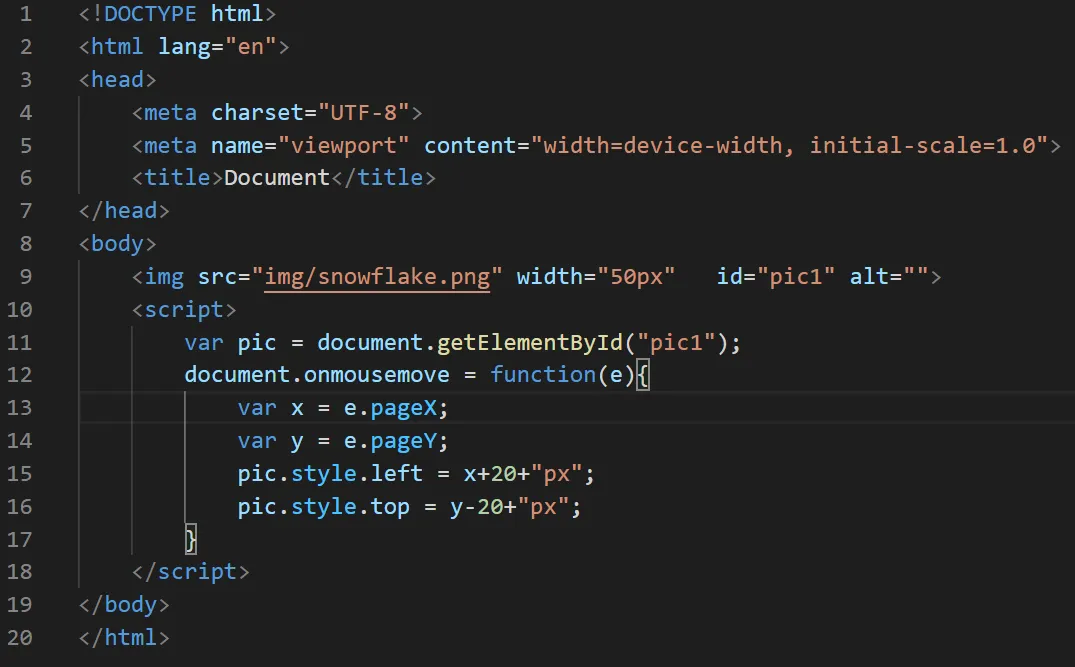
包括onmouseover(鼠标经过)、onmousemove(鼠标移动)、onmouseout(鼠标移开)事件。
在鼠标事件处理程序中,一般只使用Event对象的基本属性(如type)和鼠标的状态属性(如button、x、y等)。此外,也可以访问altKey、ctrlKey和shiftKey属性,从而可以识别用户配合使用Alt键、Ctrl键和Shift键的鼠标操作。
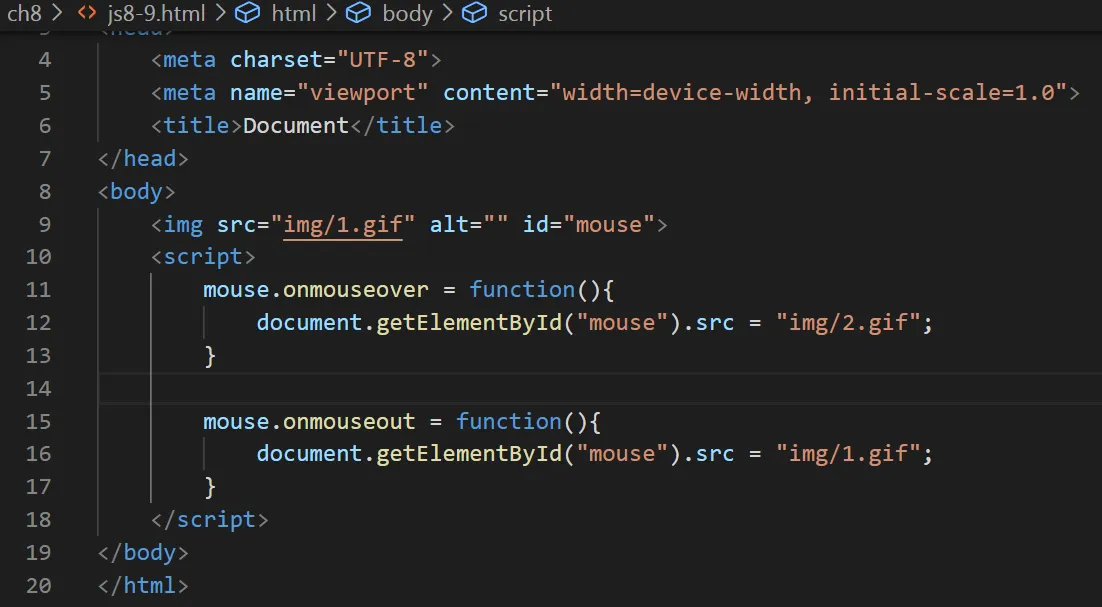
<!DOCTYPE html>
<html lang="en">
<head>
    <meta charset="UTF-8">
    <meta name="viewport" content="width=device-width, initial-scale=1.0">
    <title>Document</title>
</head>
<body>
    <img src="img/1.gif"  id="mouse" alt="">
    <script>
        mouse.onmouseover = function(){
            document.getElementById("mouse").src ="img/2.gif";
        }

        mouse.onmouseout = function(){
            document.getElementById("mouse").src ="img/1.gif";
        }
    </script>
</body>
</html>
处理鼠标事件时,我们经常需要获取鼠标的位置、鼠标按键等信息,具体如表8-7所示。
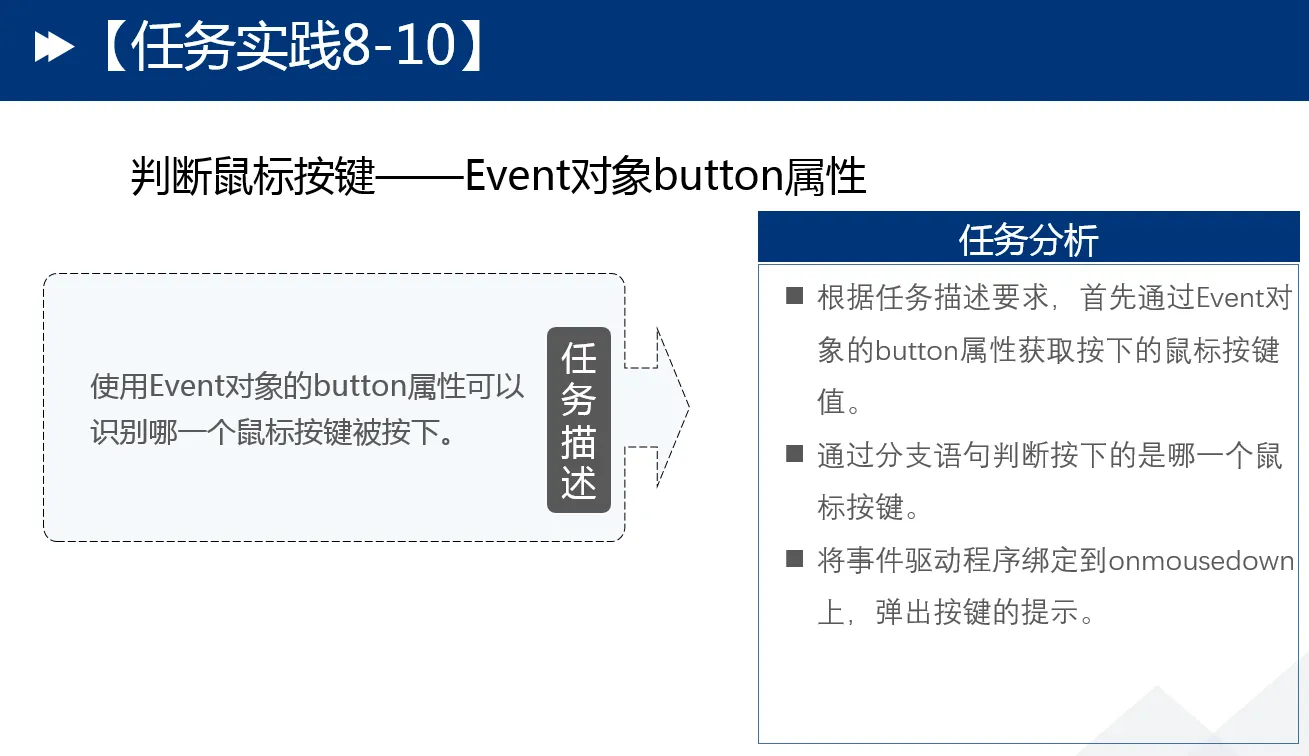
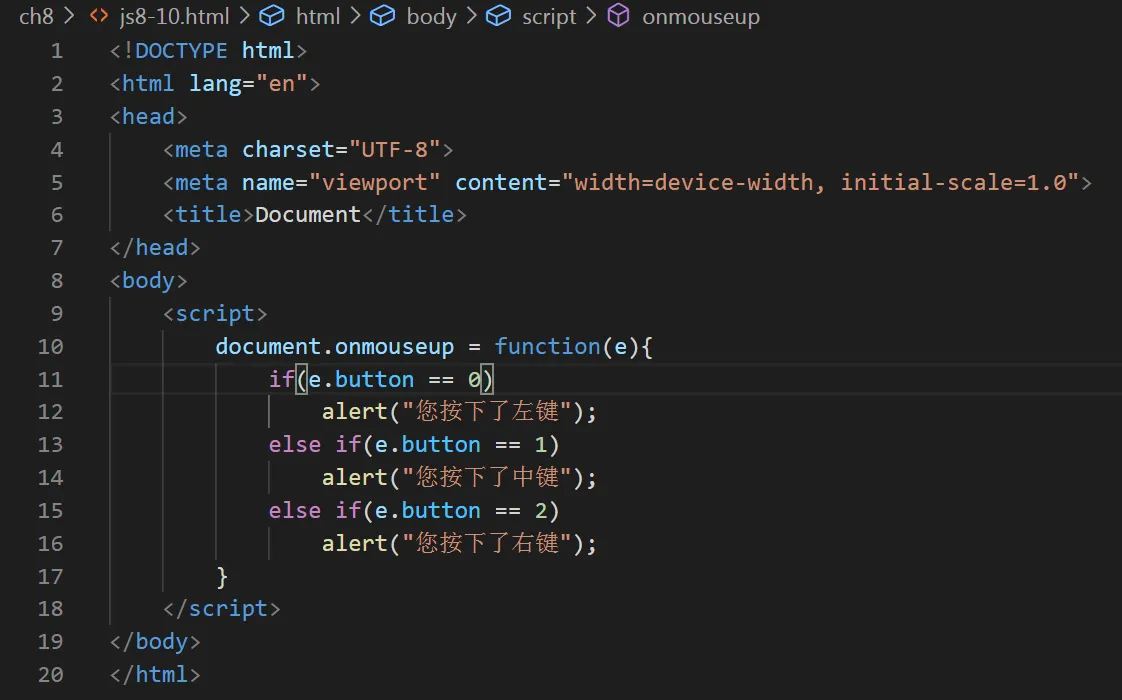
- 鼠标按键对应的Event对象的button属性 在鼠标事件处理函数中,使用Event对象的button属性可以识别哪一个鼠标按键被按下。在IE 8以前的版本中,若为1,则是左键被按下;若为2,则是右键被按下;若为4,则是中键被按下。在IE 8以后的版本中,若为0,则是左键被按下;若为2,则是右键被按下;若为1,则是中键被按下。
本文作者:liufeisheng
本文链接:
版权声明:本博客所有文章除特别声明外,均采用 BY-NC-SA 许可协议。转载请注明出处!